
Browser-native Obsidian-style PKM, now in beta

Your Obsidian-style vault, now in any browser tab.

Moonstone is a browser-native Markdown PKM workspace. Wikilinks, backlinks, graph view, and the same .md vault shape you already use — no install, no extension, no admin prompt. Bring your Dropbox, OneDrive, or Google Drive folder, or start fresh in Moonstone Cloud.

StorageMoonstone Cloud, or your own Dropbox, OneDrive, or Google Drive folder.
FormatPlain Markdown on disk. Readable, portable, yours.
InstallNone. Works on Chromebooks, locked-down laptops, shared devices.
research / memory.md

Memory as a network

#research#pkmdraft

Linked notes are not a filing system. They are a surface for thinking. Each [[wikilink]] is a hypothesis about how two ideas belong together.

See also: [[Spaced repetition]], [[Commonplace books]].

Works with the Markdown vault you already have

DropboxOneDriveGoogle DriveMoonstone Cloud

Looking for an Obsidian web app?

Moonstone is the browser-native answer.

Obsidian is a beloved desktop Markdown PKM tool — but there is no official Obsidian for the web, no Obsidian on Chromebook, and no Obsidian that runs inside a locked-down browser. Moonstone fills that gap without asking you to change how you already work.

You keep

  • Plain .md files, wikilinks, backlinks, tags
  • The Dropbox / OneDrive / Google Drive folder you already use
  • Graph view, quick switcher, and full-text search

You drop

  • The desktop installer and admin permissions
  • Sync plugins and community add-ons you do not actually use
  • The limit of editing only on one device at a time

Moonstone is an independent product and is not made by, endorsed by, or affiliated with Obsidian. “Obsidian” is a trademark of its respective owner and is used here only to describe a compatible Markdown vault workflow.

Product tour

An Obsidian-style workspace that runs in a browser tab.

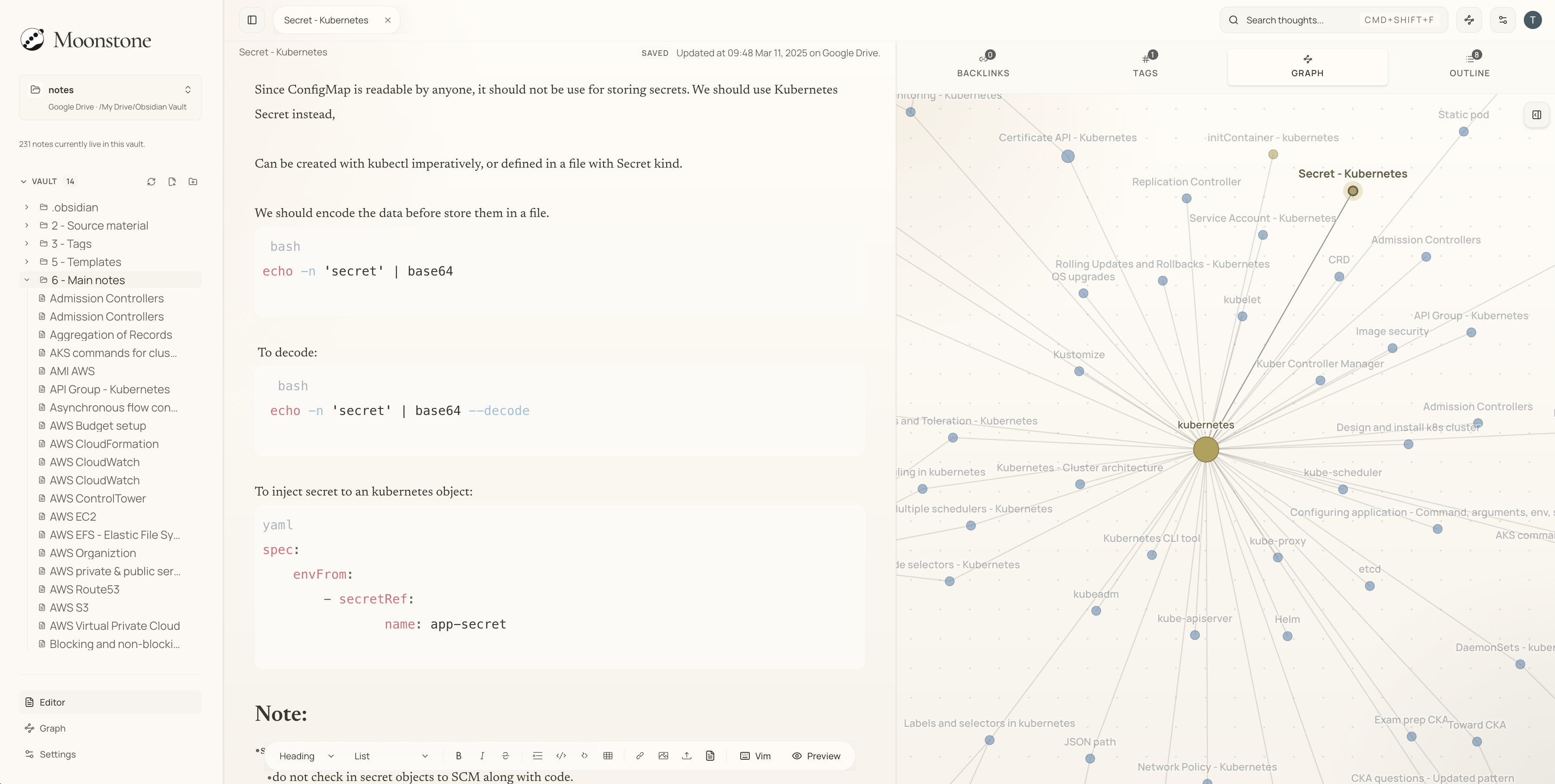
The editor, the sidebar, the graph, the search — all running in your browser, against a real Markdown vault. No desktop binary required.

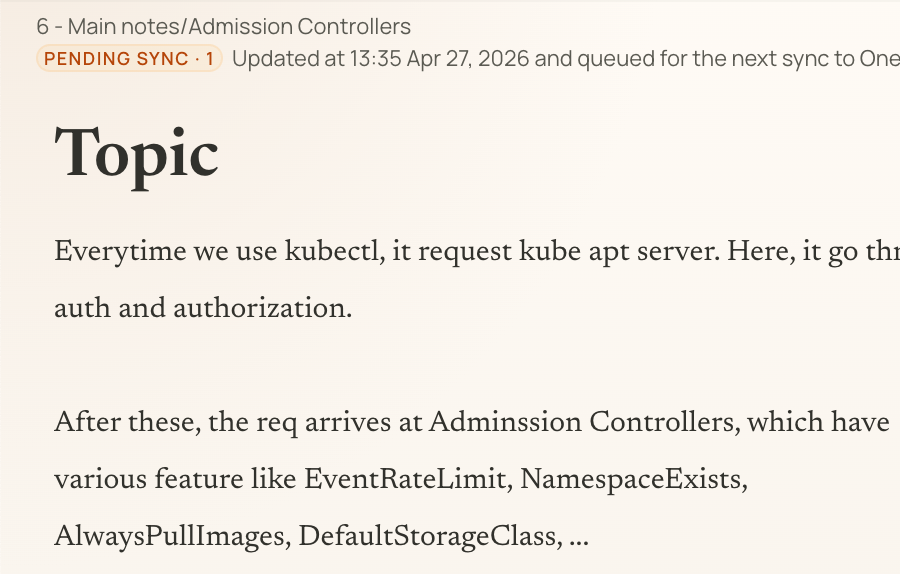
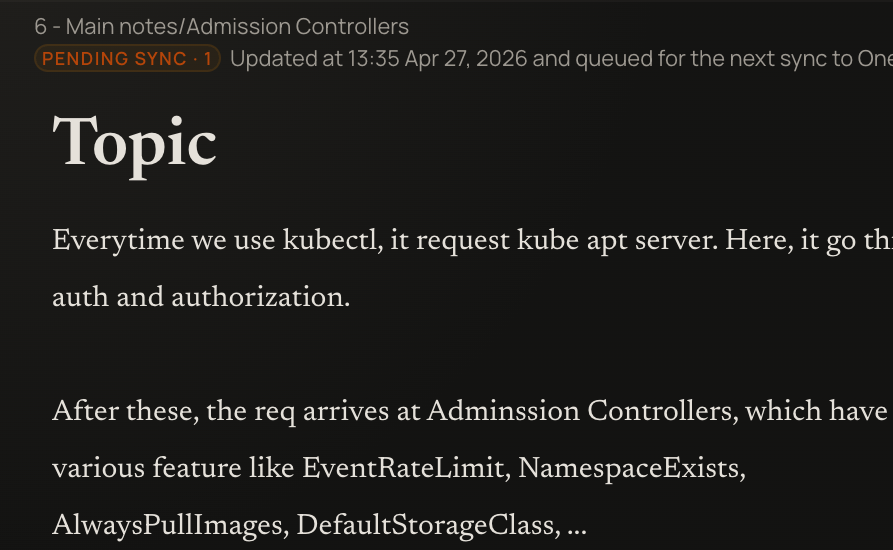
A vault that opens in a browser tab

Folders, tabs, and backlinks laid out like a proper desktop PKM tool — no install, no extension.

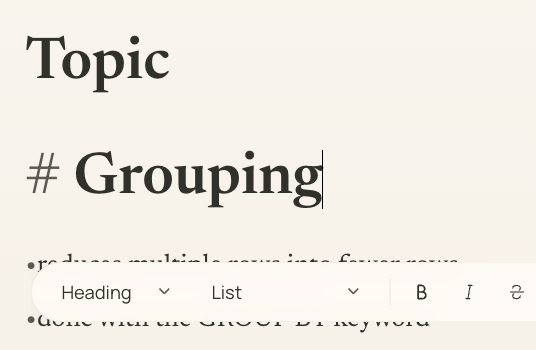
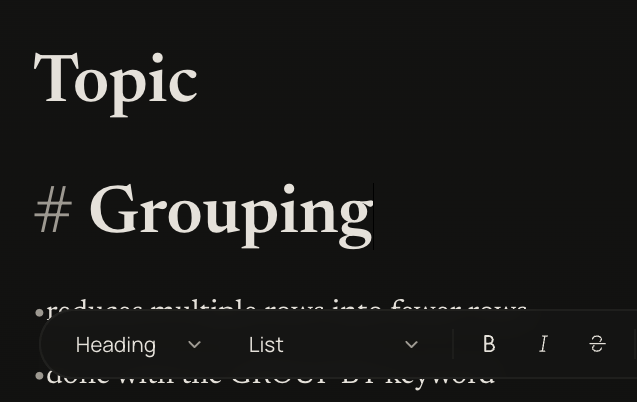
Hybrid Markdown editor

Source stays plain text; inactive syntax fades so the writing stays front and center.

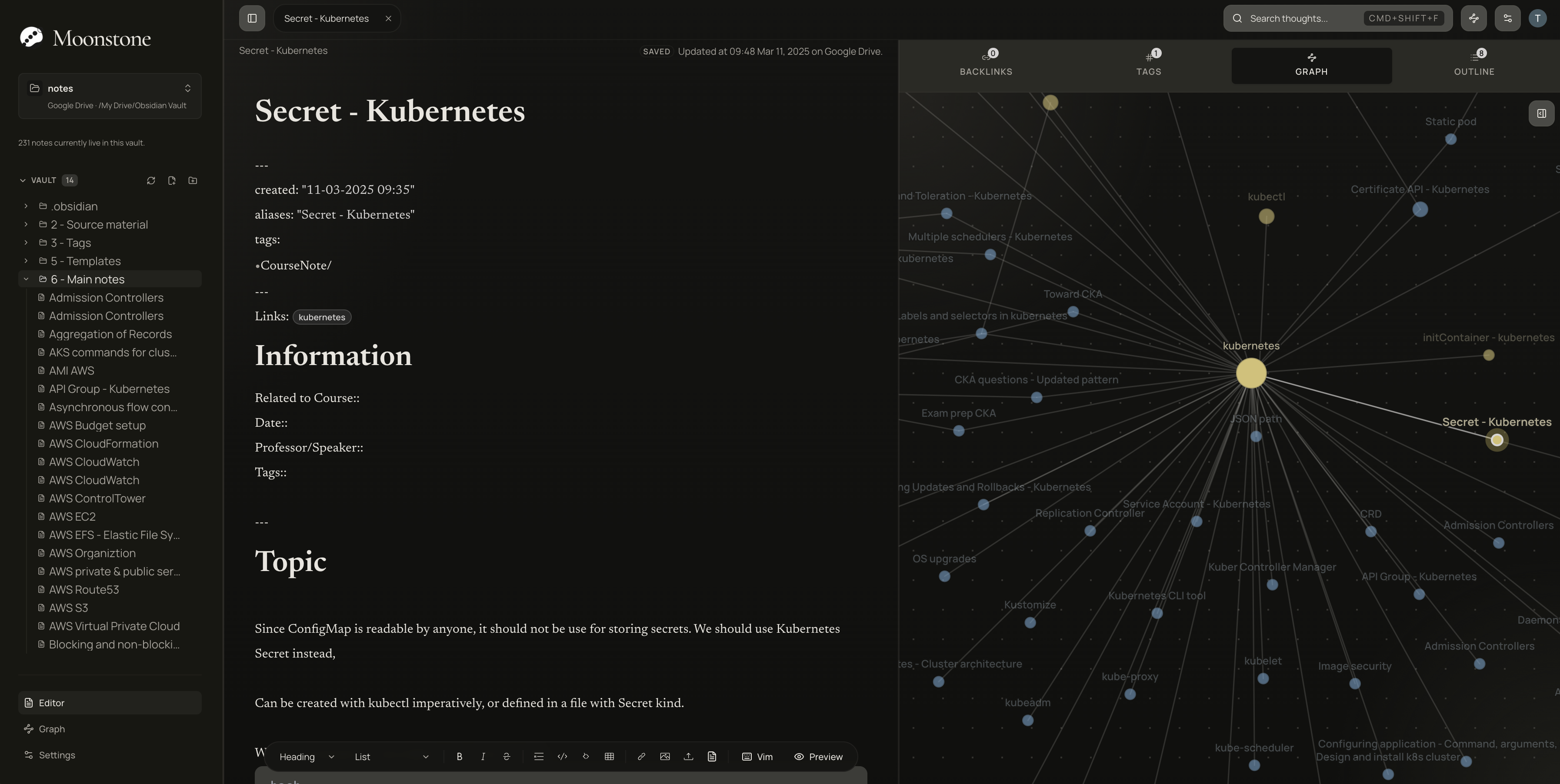
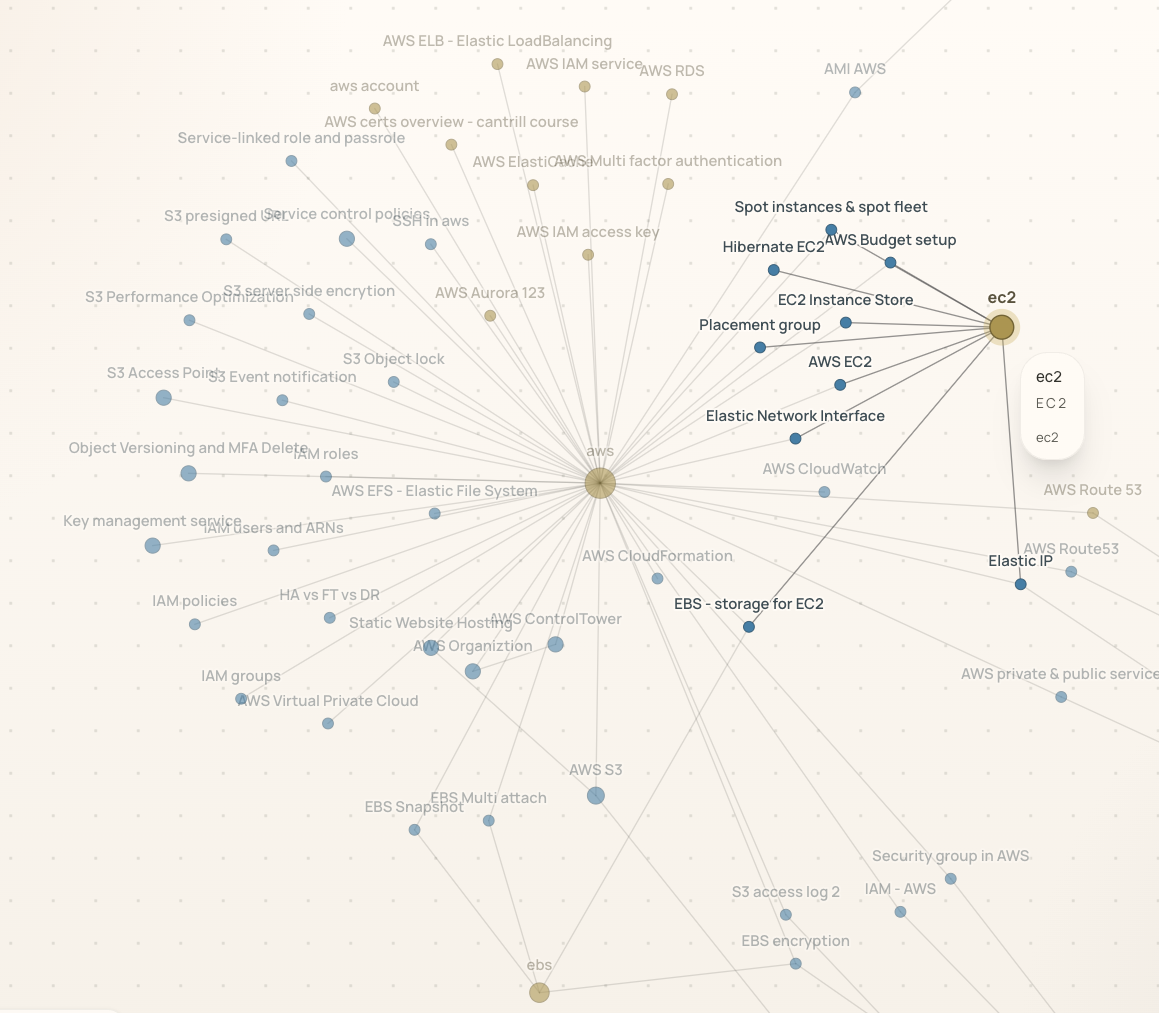
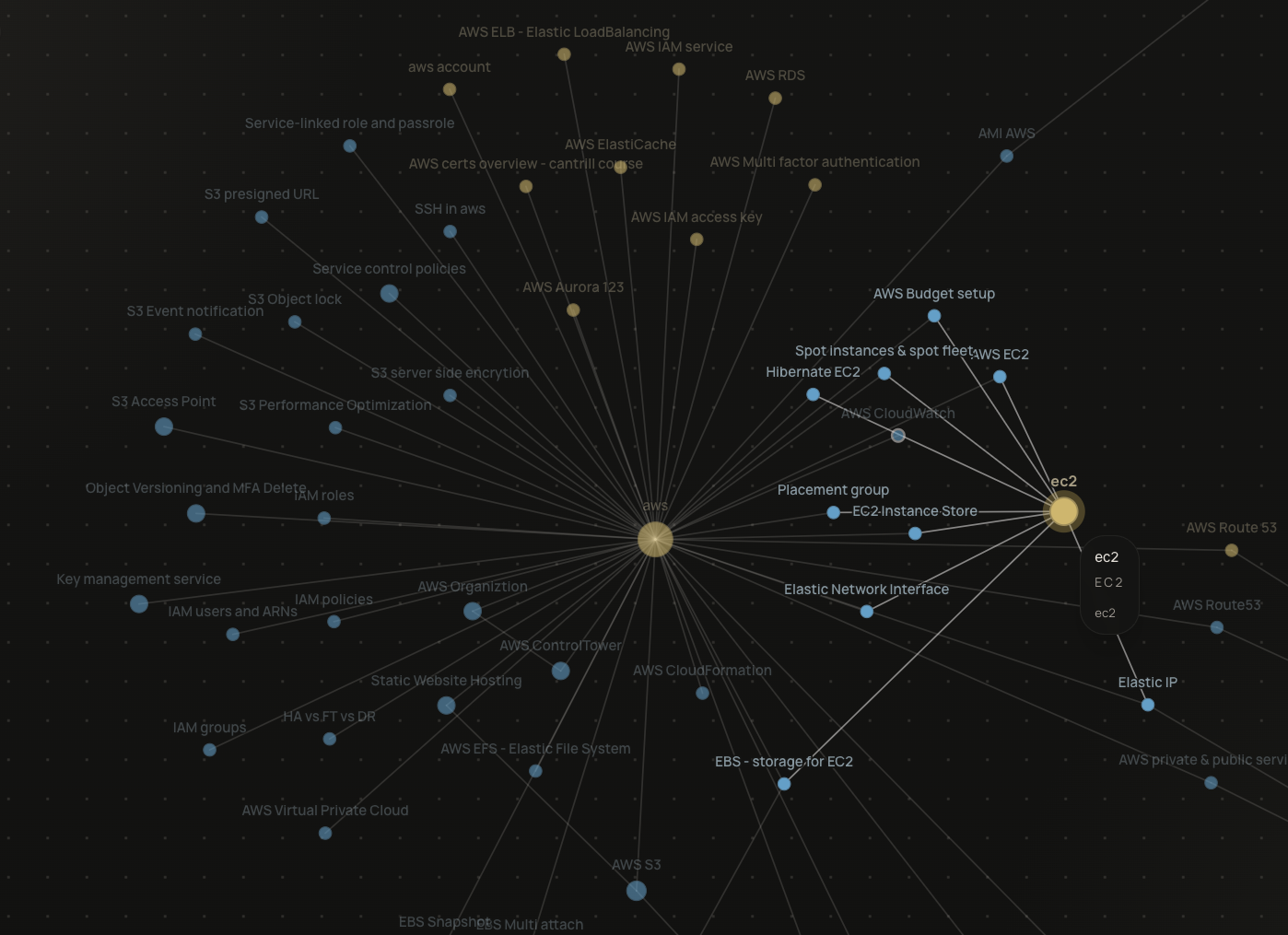
Graph view

Watch clusters emerge from wikilinks, backlinks, and tags as the vault grows.

Bridge Mode

Open a Dropbox, OneDrive, or Google Drive folder as a live Markdown vault.

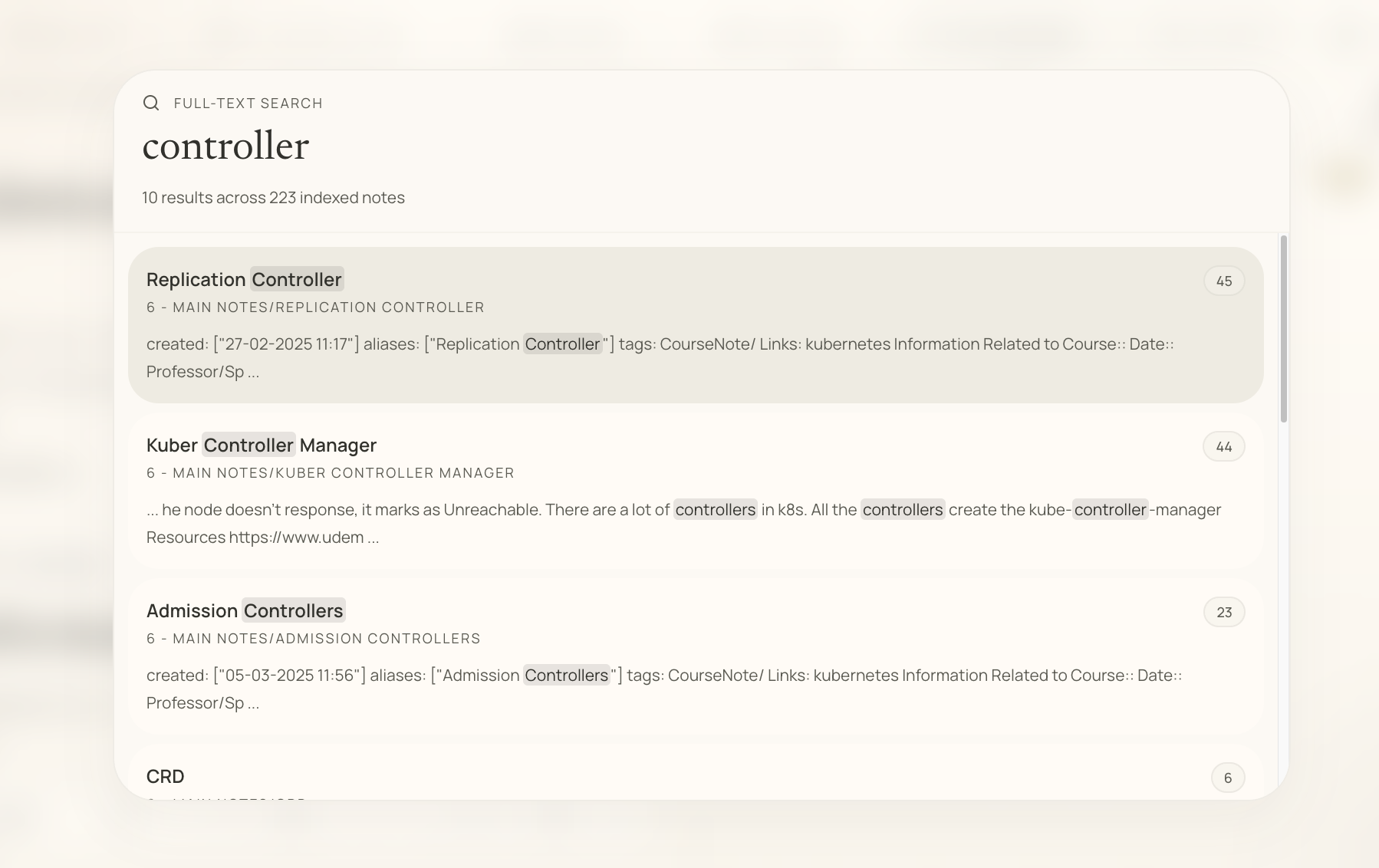
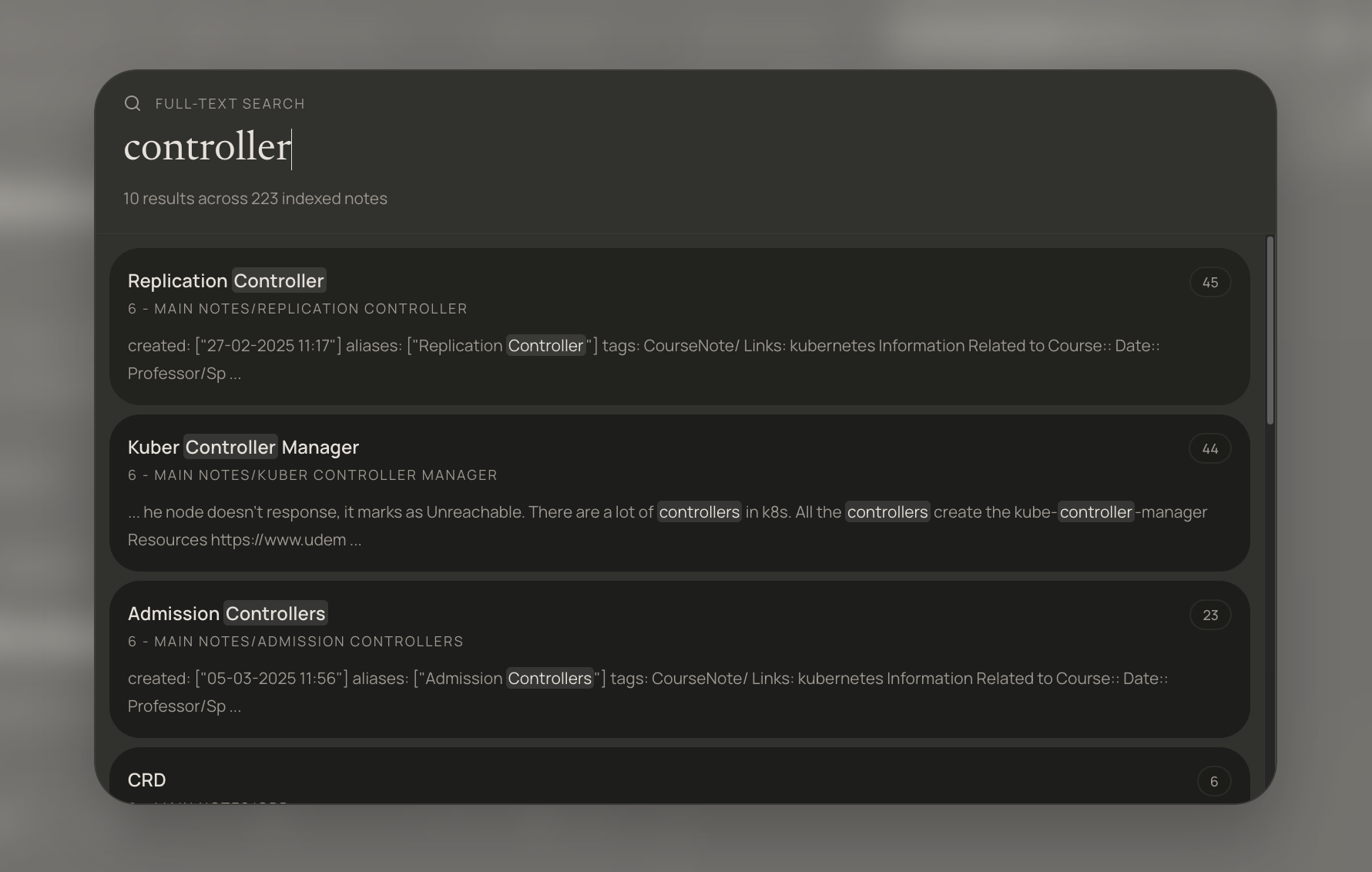
Search & quick switcher

Jump to any note in a keystroke. Full-text results stay local and instant.

Templates & slash commands

Reusable note scaffolds with variables for title, date, and time — right from the editor.

Bring your own cloud

Markdown in Dropbox, OneDrive, or Google Drive — opened as a browser vault.

Bridge Mode treats the folder you already trust as the source of truth. Moonstone layers the PKM workspace on top, without copying notes to a second home. Prefer zero setup? Moonstone Cloud is one click away.

Dropbox

Bring your Obsidian-style Dropbox vault to the browser

Supported

Open the Markdown folder you already keep in Dropbox.

Bridge Mode reads and writes .md files directly in your Dropbox account. Cursor-based deltas mean cached vaults reopen in milliseconds.

  • OAuth sign-in via Dropbox — short-lived tokens, encrypted refresh
  • Path-canonical Markdown, no provider URLs leak into your files
  • Cursor-based delta sync with conflict-safe uploads
Dropbox setup

OneDrive

Use Moonstone as a browser front-end to your OneDrive vault

Supported

Read and write the Markdown that lives in OneDrive or SharePoint.

Bridge Mode connects through Microsoft Graph, hydrates images through authenticated downloads, and re-uses existing folders instead of duplicating them.

  • Graph API delta link for fast incremental sync
  • Conflict-safe uploads via @microsoft.graph.conflictBehavior=rename
  • Authenticated blob downloads for attachments without public links
OneDrive setup

Google Drive

Open an Obsidian-style vault out of Google Drive

Beta

Open a Drive folder of .md notes as a live Moonstone vault.

Bridge Mode pages through Drive for Markdown and attachments, streams private files as blob URLs, and re-uses existing files by ID instead of duplicating them.

  • Drive changes page token for incremental sync
  • Private blob URLs released when notes close
  • ID-based upserts for folders and attachments
Google Drive setup

Moonstone Cloud

Managed — zero setup

Supported

Sign in and get a vault. No provider account required.

Clerk-backed auth, per-user Supabase row-level security, canonical attachment paths, and offline-first sync. The zero-setup path.

  • Clerk identity scopes every read and write
  • Plain .md export always available
  • Offline cache + queued mutations via IndexedDB
Moonstone Cloud guide

Why Moonstone

Serious PKM should not require a desktop install.

Desktop tools are powerful but unavailable on managed corporate machines, school laptops, and shared devices. Moonstone closes that gap without asking you to give up linked thinking or Markdown ownership.

Browser-native PKM

Open a serious linked-thinking vault on any Chromebook, work laptop, library PC, or shared device. No extensions, no installer, no admin prompt.

Markdown ownership

Your notes are plain .md files with readable filenames and vault-relative paths. Export is a first-class path, not a hidden escape hatch.

Linked thinking

Wikilinks, backlinks, tags, full-text search, and graph view turn loose notes into a dense web of ideas you can actually navigate.

Bridge Mode for existing vaults

Connect Dropbox, OneDrive, or Google Drive and edit the Markdown you already have. Moonstone layers the workspace on top instead of forcing a migration.

Offline-first feel

Edits stay fast on flaky connections. Changes queue to IndexedDB, sync resumes when you reconnect, and manual save is always one shortcut away.

Private by default

Clerk-backed auth and per-user Supabase RLS scope every vault. In Bridge Mode, note content never touches our servers.

Bridge Mode

Edit the vault you already have.

Moonstone connects to Dropbox, OneDrive, or Google Drive and reads the Markdown there as a live vault. Notes stay provider-side. Metadata stays minimal. Migration stays optional.

  • Open existing folders in place — no copy, no conversion
  • Canonical Markdown on disk; attachments resolve at render time
  • Cache-first loading with manual sync when you want control

Moonstone Cloud

Zero-setup path when you just want to write.

Sign in, get a vault, start writing. Clerk-backed auth, per-user Supabase isolation, and offline-first sync so edits survive the commute.

Auth-scoped access via Clerk identity
Export stays native — your vault is never trapped
Offline cache and manual save keep writing resilient

Built for

People who want linked thinking, wherever they open a browser.

For Obsidian users on locked-down devices

You already think in Markdown and wikilinks. Moonstone gives you the same workflow on machines where installing software is not an option.

For people who want PKM without the setup

Skip the plugin maze. Sign in, get a vault, start writing. The defaults are chosen for writing, not configuration.

For researchers working across devices

Move between a laptop, a borrowed desktop, and a phone without syncing a binary. The browser is the runtime.

Frequently asked

Obsidian web, Chromebook notes, Bridge Mode — answered.

Short answers to the questions people ask before creating an account.

Can I use my Obsidian vault in a browser with Moonstone?

Yes. Moonstone is a browser-native Markdown workspace with the same shape as an Obsidian vault — plain .md files, wikilinks, backlinks, tags, and graph view. Bridge Mode lets Moonstone open the Dropbox, OneDrive, or Google Drive folder where your vault already lives, so you can keep working on it from any browser without installing software. Moonstone is an independent product and is not affiliated with Obsidian.

Does Moonstone work on a Chromebook or locked-down school or work laptop?

That is exactly who Moonstone is built for. It runs entirely in a modern browser tab, so it works on Chromebooks, managed corporate machines, shared library PCs, and any device where you cannot install desktop apps. There is no extension, no installer, and no admin prompt.

Is Moonstone an official Obsidian web app?

No. Moonstone is not made by, endorsed by, or affiliated with Obsidian. It is an independent Markdown PKM app that runs in the browser. We describe it as Obsidian-style because it is built around the same workflow patterns — Markdown files, wikilinks, backlinks, tags, and graph view — not because it reuses the Obsidian codebase.

What file formats does Moonstone use?

Plain Markdown (.md) files. Attachments stay as regular images and PDFs in the vault, referenced with vault-relative paths. Export produces a folder you can open in any other Markdown editor, including Obsidian itself.

How do I open my Dropbox, OneDrive, or Google Drive vault?

Sign in, pick Bridge Mode, and authorize the provider. Moonstone then asks you to choose a folder to treat as the vault root. From that point on, every note you edit in Moonstone is written back to that folder in your own provider account. Moonstone stores only connection metadata on our side; your notes stay with your provider.

Is Moonstone free?

Yes, there is a free tier that covers the full editor, wikilinks, tags, graph view, and Bridge Mode against the providers you already use. Moonstone Cloud storage upgrades are available on paid plans.

Documentation

Learn the vault, then make it yours.

Step-by-step guides for the editor, wikilinks, Bridge Mode, Moonstone Cloud, attachments, and templates.