

User Guide
Quick start: write your first note
Journey to your first note.
3 min readTwo ways to start
There are two ways to begin. Pick the one that fits and follow the steps below.
- Start fresh on Moonstone Cloud — Done in a minute. Moonstone hosts a brand-new vault for you. Best if you are new or do not already keep notes in a cloud drive.
- Bring an Obsidian vault you already have — with Bridge Mode, point Moonstone at the Google Drive, OneDrive, or Dropbox folder your vault syncs to and edit those same files. Coming from Obsidian? Follow Connect an Obsidian vault.
Start fresh on Moonstone Cloud
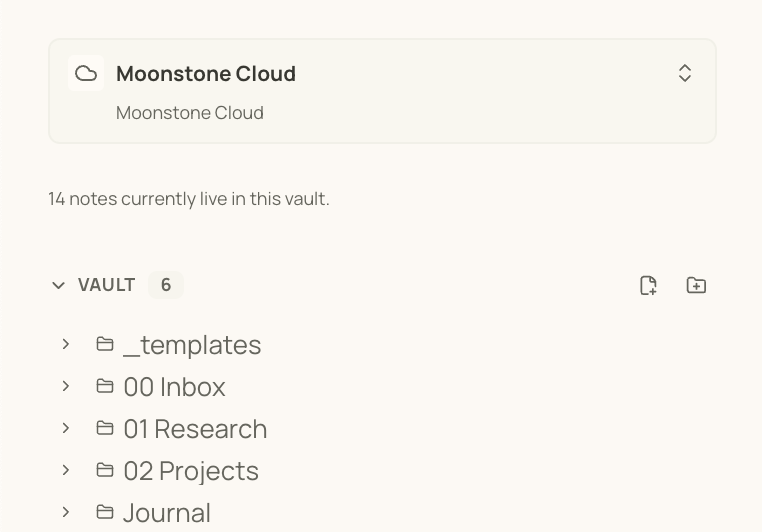
- Create or sign in to your Moonstone account.
- Moonstone Cloud is already created along with your account. Done!
- Open the editor and create your first note.
Write one useful note
Give the note a clear title, then write a few plain sentences. Do not worry about building a perfect folder system first.
- Name the note after the thing it is about.
- Use the toolbar for headings, lists, links, or formatting.
- Switch to preview when you want to read without editing.
Add one connection
Moonstone becomes more useful when notes point to each other.
- Type [[ and choose or create a related note.
- Use search when you want to find a note by title or text.
- Ignore graph view, templates, and provider setup until you have a few notes worth organizing.